
The most popular advice on LinkedIn outreach automation is tidy and wrong. Build a list, load a sequence, and send until the calendar fills. Volume is treated as the strategy, and reply rate is treated as the scoreboard.
That advice mixes activity with pipeline. A partner can send a few dozen careful notes and open two real opportunities. A sequencer can fire hundreds of invites, book one polite call, and leave that partner's profile one warning from a restriction. More messages are not the same thing as more pipeline.
The stronger move is less automation on each interaction, and more rigor on who is contacted, which authoritative profile sends the note, and how the meeting is credited later. High-ticket consulting and software are won in conversations a buyer already trusts.
Table of Contents
- What LinkedIn Outreach Automation Really Is
- Actions LinkedIn Allows and Actions It Bans
- Cold Automation Versus Intent and Authority
- How a Compliant Outreach Workflow Runs
- Benefits and Risks for Deliverability and Trust
- Operating Rules and Pipeline Measurement
- Start With Authority and a Ninety-Day Test
What LinkedIn Outreach Automation Really Is
LinkedIn outreach automation is often described as a faster way to reach prospects. The more useful definition is a workflow that finds people, queues connection requests or messages, or follows up without the profile owner carrying out each action.
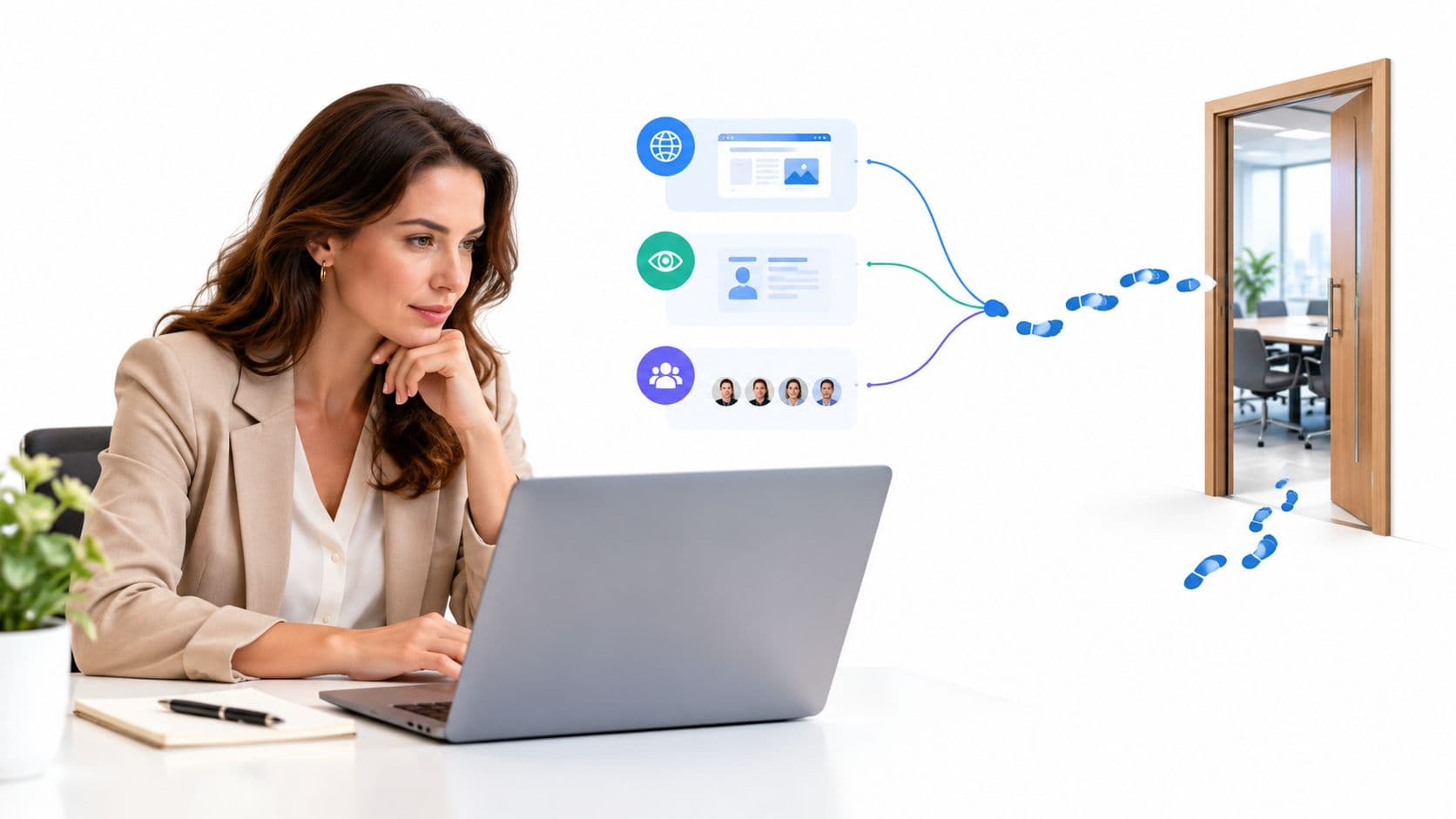
Consider a business-development lead at a Spanish IT consultancy opening her laptop on Monday. A dashboard has selected directors, queued invites under the managing partner's name, and scheduled follow-ups the partner has not reviewed. Three separate decisions are hidden in that setup: list building determines who is selected, message sending determines what is sent and from which profile, and timing or prioritization determines when a person is contacted. A score that helps a seller choose whom to contact leaves the interaction to a person. A bot that sends as the partner acts on the partner's behalf.
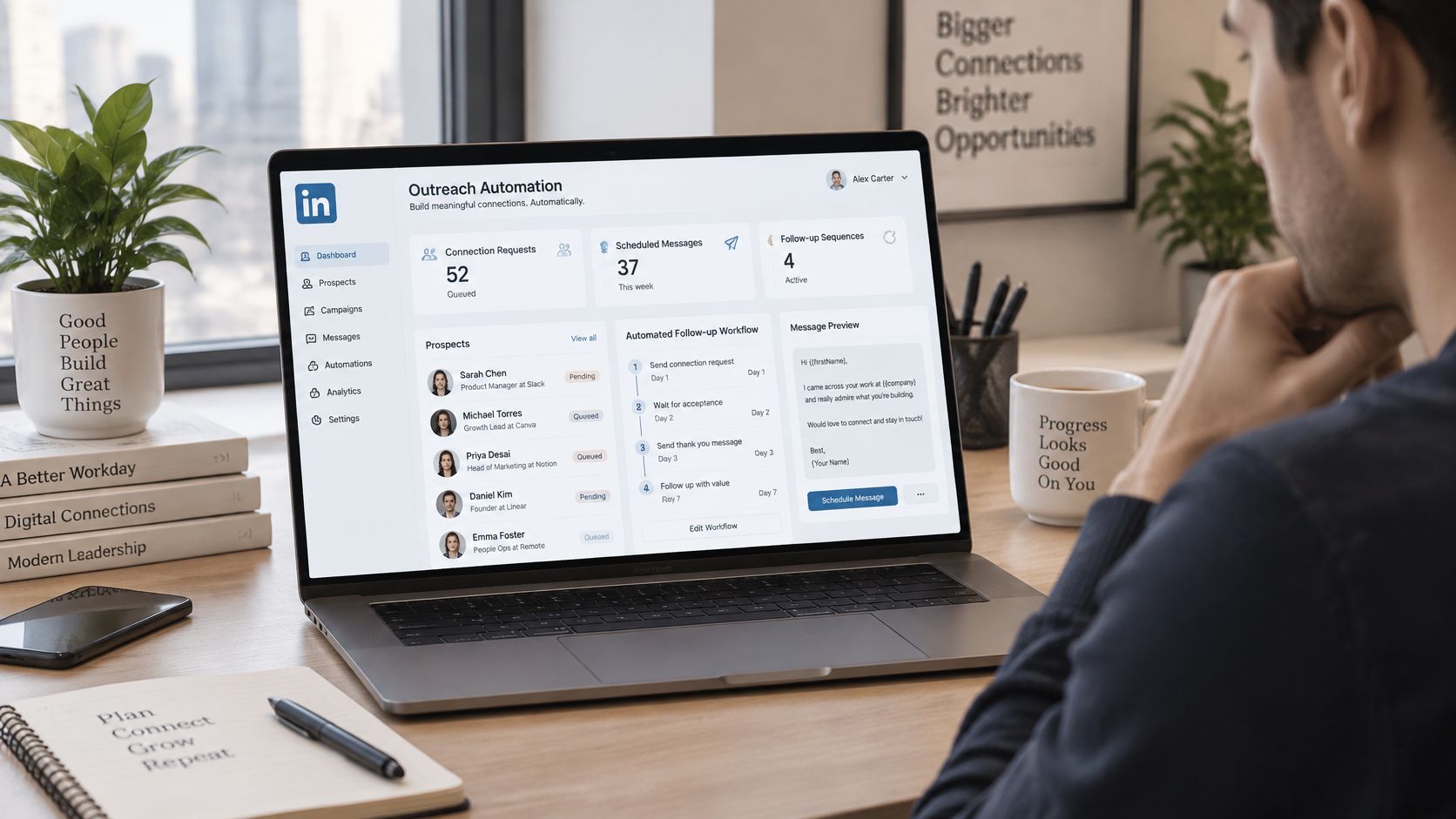
The appeal is clear: partners, directors, and senior managers have professional identities on LinkedIn, while consulting engagements and enterprise deals depend on conversations. Microsoft's 2025 annual report reported that LinkedIn had reached 1.2 billion members and that LinkedIn revenue increased by $1.4 billion, or 9%. Those figures describe the platform's scale, not a ready-made prospect list. Relevance still comes from choosing people by geography, seniority, industry, buying role, and fit, then deciding which authoritative profile should contact them.
Actions LinkedIn Allows and Actions It Bans
Look up the action before you look up the tool. The table is the operating line for a B2B profile.
| Action | Stance | What can happen | Safer substitute |
|---|---|---|---|
| Browser extension sends connection invites | Prohibited automation | Restriction or shutdown | Profile owner sends a short, relevant invite |
| Scrape profiles, emails, or company data | Prohibited | User Agreement and privacy-law exposure | Use data the person shared or a consented source |
| Bot sends or redirects messages | Prohibited | Inauthentic activity flag | Human writes and sends from the real account |
| Auto comments, reactions, or likes | Prohibited | Lower comment visibility or restriction | Genuine comments from the profile owner |
| Mass invite or message sequences | Prohibited when tool-driven | Deliverability drop and ban risk | Small daily batches a person approves |
| CRM task reminds a seller to message | Allowed as workflow support | No simulated clicks | Seller personalizes before sending |
| Score people by profile views, comments, or content saves | Allowed as prioritization | Low if no scraping | Human chooses who to contact |
| Export of a bought lead list into a sequencer | High risk | Consent and authenticity problems | Start from the team's own audience |
LinkedIn's help guidance states that third-party software, browser extensions, bots, crawlers, and other unauthorized automated methods may not scrape data or automate adding contacts, sending or redirecting messages, publishing reactions, or generating inauthentic engagement. People who use those tools violate the User Agreement and risk accounts that are restricted or shut down. LinkedIn also notes privacy concerns, and that automated activity may violate privacy legislation in some jurisdictions.
Automation on this channel is a governance decision, not a productivity setting you toggle for the quarter.
What still sits on the safe side
A person at the keyboard, sending a note they wrote, is ordinary use of the product. A CRM reminder that tells a seller to open the thread is workflow support. Search the user runs themselves, and a score that only ranks who deserves that human message, stay on the allowed side of the table. Publishing is a separate habit. SleekPost's guide to LinkedIn scheduling is a practical reference for a human content cadence. It does not license a bot to invite or reply.
Europe and the five vendor questions
In Spain and the rest of Europe, prospect data still has to meet GDPR ideas even when the channel is LinkedIn. You need transparency, a lawful basis, data minimization, and a real way to handle an objection. "They have a public profile" is not a processing policy.
Before any tool touches an account, ask the vendor five questions.
- Browser or sidebar. Does it run inside the browser or as an extension beside the session?
- Clicks or the account. Does it simulate clicks, or send as that member?
- Scraping. Does it pull profile fields or emails?
- Credentials. Does it store the login?
- A named approver. Can every action be traced to a person who approved it?
A yes on the first four places the tool on the prohibited side. A tool that only reads the user's own queue and drafts text for a human to edit and send can stay.
Cold Automation Versus Intent and Authority
More messages do not automatically create more pipeline. In a high-ticket sale, relevance and the sender's credibility matter more than the size of a cold sequence. The comparison below shows what changes when outreach starts with a visible signal and comes from someone the buyer recognizes.
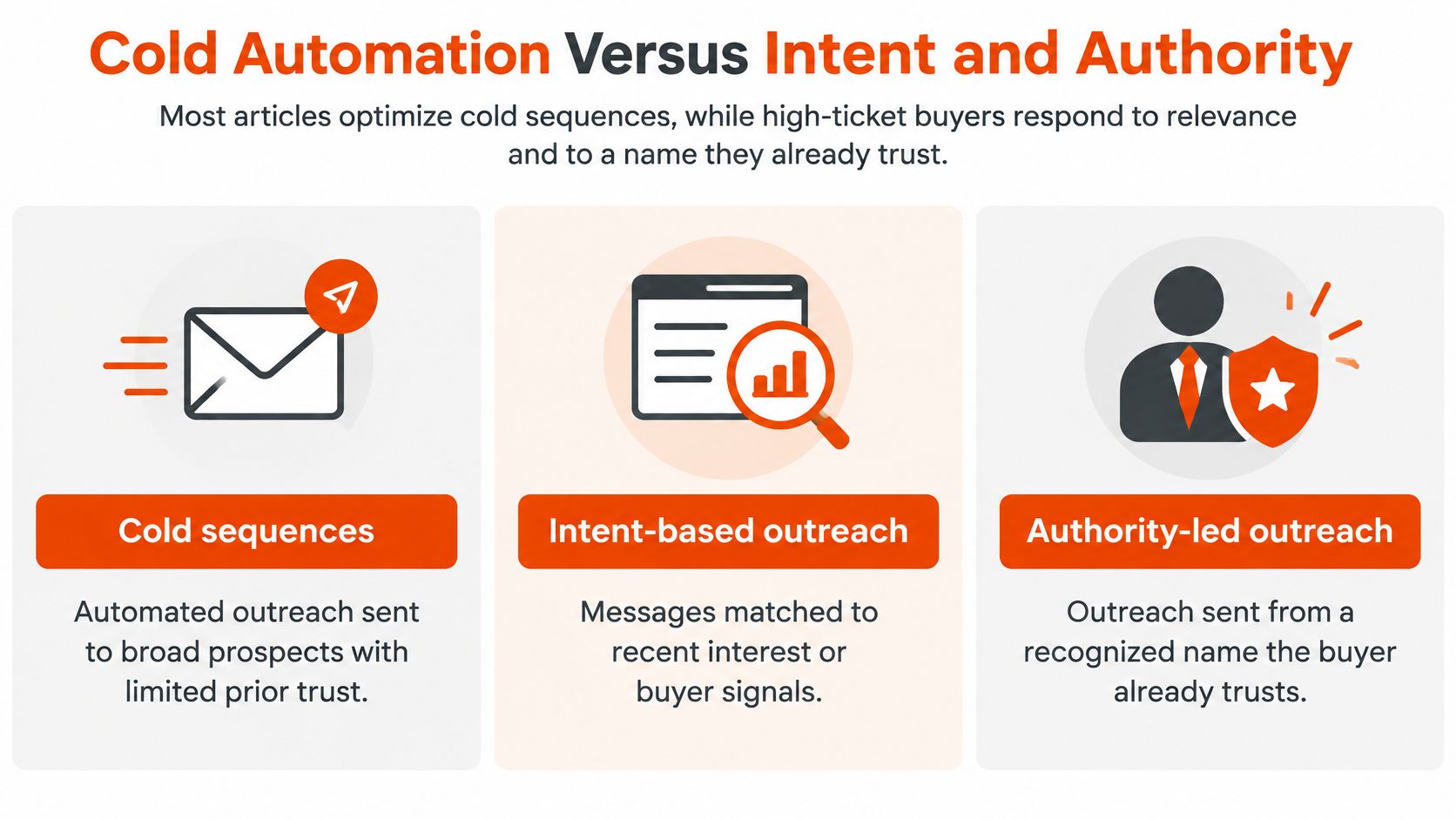
Cold automation targets strangers, often with tool-sent invites. Intent-driven outreach starts with a visible action, such as a comment, profile view, or post engagement. Personal-brand-led outreach builds an audience through useful perspectives from partners and directors, before any pitch.
| Model | Who is contacted | Who sends | Account risk | Fit for long sales cycles |
|---|---|---|---|---|
| Cold automation | Strangers from a scraped or bought list | Often a tool or junior sender | High when actions are automated | Poor; risks the sender's account and reputation |
| Intent-driven outreach | People who viewed, commented, or engaged | The profile owner, after reviewing a queue | Lower when a person sends | Strong; the timing reflects visible interest |
| Personal-brand-led outreach | An audience built around a partner or director | That same authoritative person | Lower when activity is human-led | Strong; trust can develop before a pitch |
| Intent plus authority | Engaged people in that executive's audience | The executive, with workflow support | Lower when there are no bots or scraping | Strong for consulting and enterprise software |
One firm, three ways
Consider a mid-size HR consultancy selling a retained search engagement. In a cold sequence, eighty generic invites go to HR directors. About fifteen in a hundred accept, and two replies are polite brush-offs. The partner's name is now attached to a generic template.
An intent-based approach starts smaller. Twelve people comment on a post about time-to-hire. Four reply to a note that refers to their comment, and one books a discovery call. Meanwhile, the partner's post remains on their profile, giving a potential buyer a way to encounter their expertise before any direct conversation.
Intent signals work best as a reason to review someone, not as an automatic trigger to message them. A person can see actions such as comments or profile views, then use a scoring step to prioritize the day. Scoring helps decide who merits attention; the profile owner decides whether to write. These visible actions are examples of LinkedIn buying signals worth considering.
A short walk-through of how cold volume and warmer outreach feel different in practice:
Cold volume is not a safe test on any profile: tool-sent mass invites breach LinkedIn's rules. When the deal is large and the sender's reputation matters, pair intent with authority.
How a Compliant Outreach Workflow Runs
Treat the workflow as plumbing. Nothing in it replaces judgment, and every stage has a way to fail.
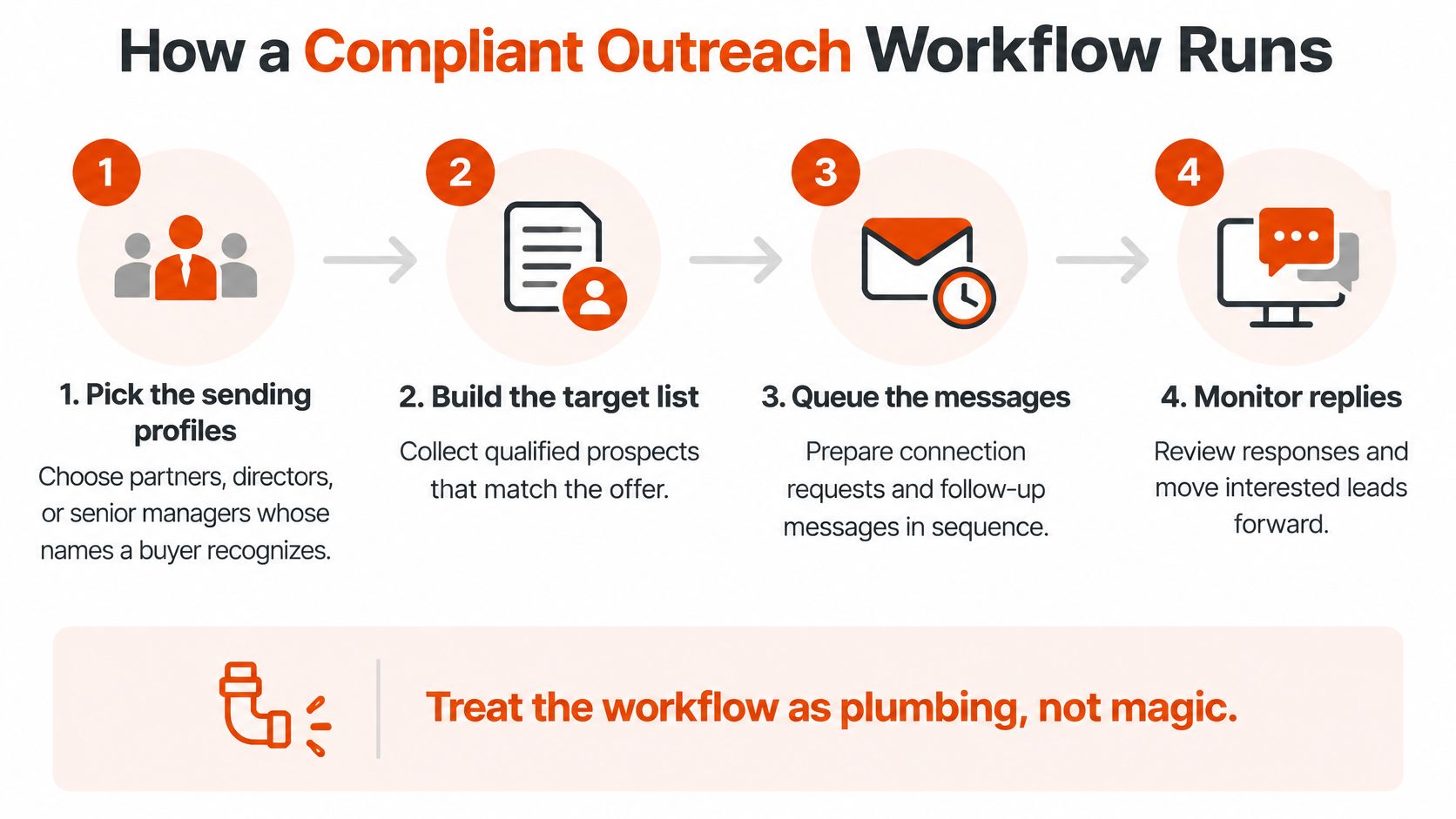
Eight stages a high-ticket team can run
- Pick the sending profiles. Use partners, directors, or senior managers a buyer would recognize.
- Grow a relevant audience. Use useful posts and accepted connections, not a scraped list. Empty profiles have nothing honest to automate.
- Capture first-party signals. Profile views, post comments, content saves, and repeat visits are enough.
- Score a short daily queue. Weak or random signals turn the queue into spam, so cap it.
- A person reviews and writes. Reject weak fits. The note has to reference the signal. Tone and length belong with your LinkedIn messaging best practices.
- That same person sends. Skipping this step recreates the banned tools.
- Log the touch. Source, timestamp, and a consent note go in the CRM the same day.
- Follow up on replies or fresh intent. A fixed three-touch robot sequence is not a follow-up plan.
LinkedIn's 2025 B2B sales research reported that 56% of sales professionals were using AI daily, and that 69% of those AI users said it reduced their sales cycle by an average of one week. Limit the model to draft options and queue ranking. It does not click send.
What a good week looks like
A Spanish IT firm sees a CIO comment on a partner's post about vendor consolidation. The partner sends one specific note. Two weeks later a meeting is on the calendar. After the call, the page that visitor hits should align landing pages with visitor expectations, or the conversation you earned dies on a generic homepage.
After one week the CRM should show a short list of named accounts, with a reason on each row. A rising connection count is not the result.
Benefits and Risks for Deliverability and Trust
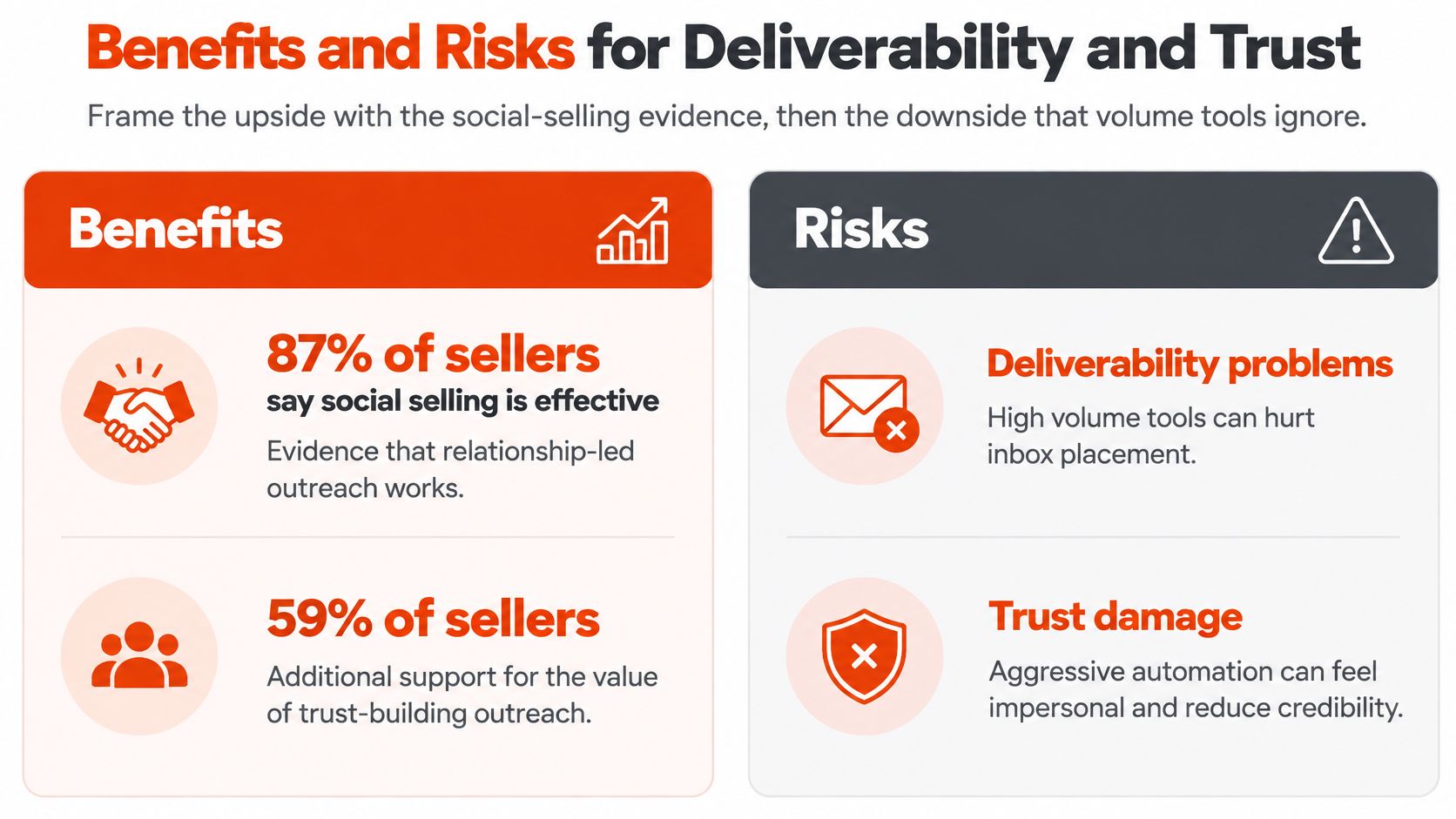
Social selling has a real commercial record, and volume tools spend it. In HubSpot's 2024 social-selling statistics compilation, 87% of sellers said social selling was effective for their business, and 59% said their company generated more sales through social media than in previous years. In a high-ticket motion, a partner profile opens doors a generic SDR inbox cannot, and a relevant note can shorten the wait before a first meeting.
What preparation is allowed to buy you
- Research time back. Scoring shrinks the morning list to people who already did something visible.
- Follow-up that does not depend on memory. A reminder fires. The person still writes.
- Coverage across senior profiles. Partners and directors each carry a slice of the market, instead of one SDR mailbox doing all of it.
- A record of who and why. The CRM holds the signal, the sender, and the date, which is what a marketing director can defend.
What volume quietly spends
Deliverability here means accepted invites and replies, not email inbox placement. Repetitive templates, sudden invite spikes, and the same paragraph from several employees teach both people and the platform to ignore the account. Authenticity fails the moment a buyer replies and the sender cannot continue the point in the note. Policy risk is blunt at the extreme. One restricted partner profile can freeze a relationship channel the firm spent years building.
Say a 200-invite-a-day tool books two calls in a month and then loses the managing partner's account. Those two calls do not pay for a frozen name in the market.
Keep automation that prepares the work. Drop automation that imitates the person.
Operating Rules and Pipeline Measurement
Good measurement starts before the first message. A marketing director can give the team six operating rules that protect senior profiles and make results easier to assess:
- Set a human pace. Limit invites and messages on each senior profile. Pause if acceptance or reply rates fall.
- Record the reason. Tie each contact to a visible signal or an account-plan note, not just a matching job title.
- Use drafting tools as assistants. The sender edits the note, sends it, and owns the conversation.
- Vary the opening. Repeated hooks from several employees can make personal outreach look like a campaign.
- Keep only necessary records. Store the fields the team needs, set a retention window, and stop contacting someone who objects.
- Assign reply ownership. The person who sent the note answers within one business day.
An attribution ladder that survives a long cycle
Measure six stages rather than treating invites sent as the result. Exposure is who could see a post or profile. Intent is a visible action. Engagement is a reply or continued conversation. Meeting quality is whether the right buyer attended. Opportunity creation is a qualified deal recorded in the CRM. Revenue influence is whether the audience helped create or accelerate a deal months later.
Attribution is shared across touches. A meeting should not automatically be credited to one message. Ask whether a partner's audience helped create or accelerate qualified opportunities. Forrester describes how social channels can shape the B2B buyer journey, including through interaction and validation, not only discovery.
Use CRM records to review influenced pipeline over a lagged window of several months, with source timestamps and negative outcomes such as unsubscribes or damaged conversations. Compare LinkedIn with events and paid media using cost per qualified meeting, not impressions. A small number of credible partner conversations may matter more than a high-volume sequence if the team records outcomes consistently. For a stage-by-stage approach, see B2B sales pipeline management.
Each week, review which profiles created qualified opportunities, which messages should stop, and whether any account is nearing a restriction. The aim is clear attribution, not more activity for its own sake.
Start With Authority and a Ninety-Day Test
Firms selling high-ticket consulting or B2B software should retire browser-based sequencers on partner and director accounts. Run intent inside an audience those senior people already earn with useful posts. A workflow such as Ploot can flag who in that audience is showing interest and leave the send with the profile owner.
Run a ninety-day test with a stop line written down first.
Weeks one to four. Choose two or three senior profiles. Publish a steady cadence on one buying problem, not a tour of the firm's services.
Weeks five to eight. Contact only people who showed interest. One written note per person, sent by the profile owner after a daily queue review.
Weeks nine to twelve. Review qualified meetings and influenced opportunities. Ignore invites sent and raw reply rate.
Stop and review if replies read as templated, if any test profile gets a restriction or warning, or if a profile produces fewer than one qualified conversation in a month. A pilot with agreed success criteria can be shut cleanly. An open-ended tool rollout keeps running on habit.
This week, audit every extension on executive accounts. Disconnect anything that sends, scrapes, or reacts, and replace it with a human-reviewed daily queue. Scale comes from more relevant senders, not more automated clicks.
Ploot builds the LinkedIn audience of your partners, directors, and senior managers, detects who in that audience is showing buying intent, and helps your team contact them at the right moment so the meetings you book are qualified. If you sell high-ticket consulting or B2B software and you are tired of counting invites instead of pipeline, start with a defined pilot. Visit Ploot and set the success criteria before the first note goes out.